WordPress site down after a plugin update? How to get it back
Prefer to talk? Call or text (616) 585-0206. Leave a voicemail or send a text and Aaron gets back to you.
Quick answer: A WordPress site that goes down right after an update usually has one plugin or theme that clashes with the new version, or with the PHP version the host runs. Check the admin email for WordPress’s recovery mode link first. If there’s none, turning that one plugin off, by renaming its folder through your host’s file manager, usually brings the site back. Then fix or replace the plugin properly instead of leaving updates switched off.
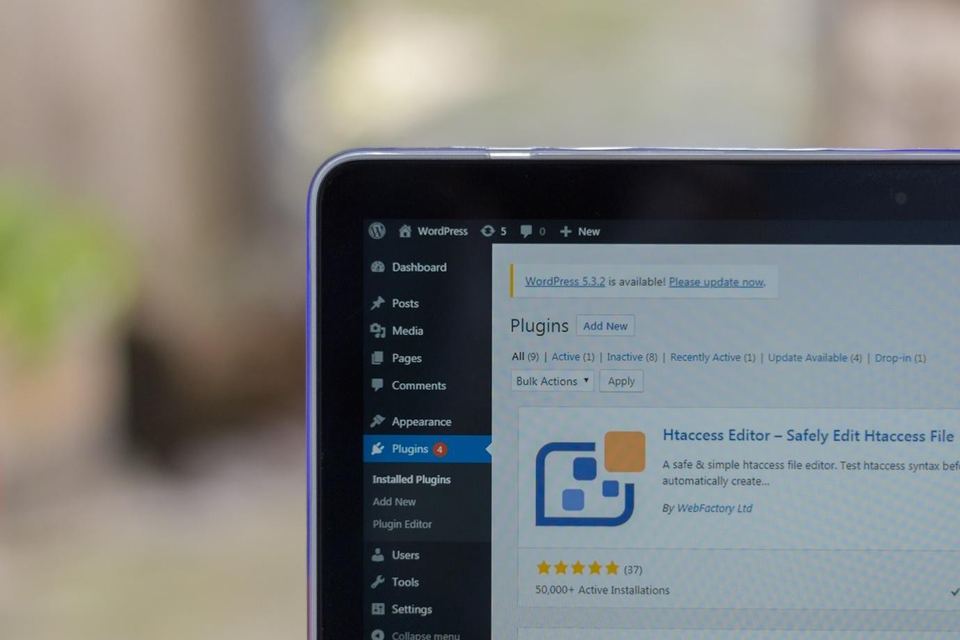
What’s actually going on
An update replaces a plugin’s code with a new version. Most of the time that’s routine. It goes wrong when the new code clashes with something else on the site: another plugin, your theme, or the version of PHP your hosting account runs. When that happens, PHP stops with an error, and WordPress can’t finish building the page.
The common WordPress errors guide names a plugin conflict as the first likely cause of a white screen. Since version 5.2, WordPress shows “There has been a critical error on this website” instead of a blank page, and tries to email the site admin.
Step 1: check the admin email for a recovery link
When a plugin crashes the site, WordPress sends the admin email address a message with a private link to recovery mode. That feature is explained in the WordPress core announcement.
Clicking the link lets you log in with the broken plugin paused for you only. From there you can deactivate it in the Plugins screen. Visitors still see the error until you do.
Check the spam folder too. If nothing arrived, the site’s email may be broken as well, which is common. See WordPress not sending email.
Step 2: turn the plugin off from your host’s file manager
If there’s no recovery email, you can switch a plugin off without logging in to WordPress. Log in to your hosting account and open its file manager. Go to the folder wp-content/plugins and find the folder of the plugin you just updated. Rename it, for example by adding “-off” to the end. WordPress can’t find it, so it stops loading it, and the site usually comes back.
Rename, don’t delete. Renaming is undone in seconds. Deleting can lose the plugin’s settings. If you don’t know which plugin it was, stop here and call us rather than renaming folders at random.
What to avoid
A few common reactions make a recovery harder:
- Deleting plugins or files to “clean up”. You lose settings and evidence.
- Reinstalling WordPress from the dashboard while the site is broken.
- Restoring an old backup straight away on a store, which can wipe recent orders.
- Changing PHP versions at random in the hosting panel. It can fix one plugin and break three others.
- Leaving the plugin off and forgetting it. If it handled your forms, bookings or checkout, those are now broken quietly.
When to hand it to us
Call or use the form above if the site is still down after these steps, if you can’t reach your host’s file manager, or if the plugin that broke runs something important, like WooCommerce, bookings or your forms. For a Grand Rapids restaurant on a Friday or a store in the run-up to Christmas, every hour counts, so pick “Today” in the form.
We get the site back first, then fix the cause properly: update or replace the plugin, match the PHP version, and check the pages that matter. You get a fixed price before we start.
Stopping the next one
Every WordPress site needs updates, and some updates will clash. The answer isn’t to stop updating. It’s to take a backup first, as the WordPress backup guide recommends, apply updates when someone can check the result, and undo a bad one quickly. That’s the routine our website hosting and maintenance follows for every site we look after: a person applies each update and then checks the site, and if one breaks something, putting it right is part of the job.
Common questions
Should I just restore last night's backup?
Sometimes that’s the right move, but check first. A restore puts back the broken plugin’s old version, which may update itself again within hours. It also throws away anything since the backup, such as WooCommerce orders, new form entries or edits. For a store, that matters. Turning off the one plugin that broke is usually quicker and loses nothing. Keep the backup untouched as a fallback.
Can I turn off automatic updates so this never happens again?
You can, but it swaps a visible problem for a hidden one. Out-of-date plugins are the most common way WordPress sites get hacked. The better fix is updates applied with someone checking the site afterwards, and a backup taken first. That’s what our website hosting and management does. A broken update then gets caught and undone before your customers notice.
What does PHP have to do with a plugin update?
PHP is the programming language WordPress runs on, and your host decides which version you have. New plugin versions sometimes need a newer PHP than an older hosting account runs. Others haven’t caught up with the newest one. Either way, the plugin crashes. The Site Health screen shows your PHP version, and the plugin’s page on WordPress.org lists what it needs.