WordPress page builders vs the block editor in 2026
Quick answer: A page builder is a plugin, like Elementor, Divi or Beaver Builder, that adds drag-and-drop design to WordPress. The block editor, also called Gutenberg, is WordPress’s built-in editor. For most small business sites in 2026, the block editor is faster, cheaper and carries less lock-in.
A reply from a person, usually within one business day. No obligation.
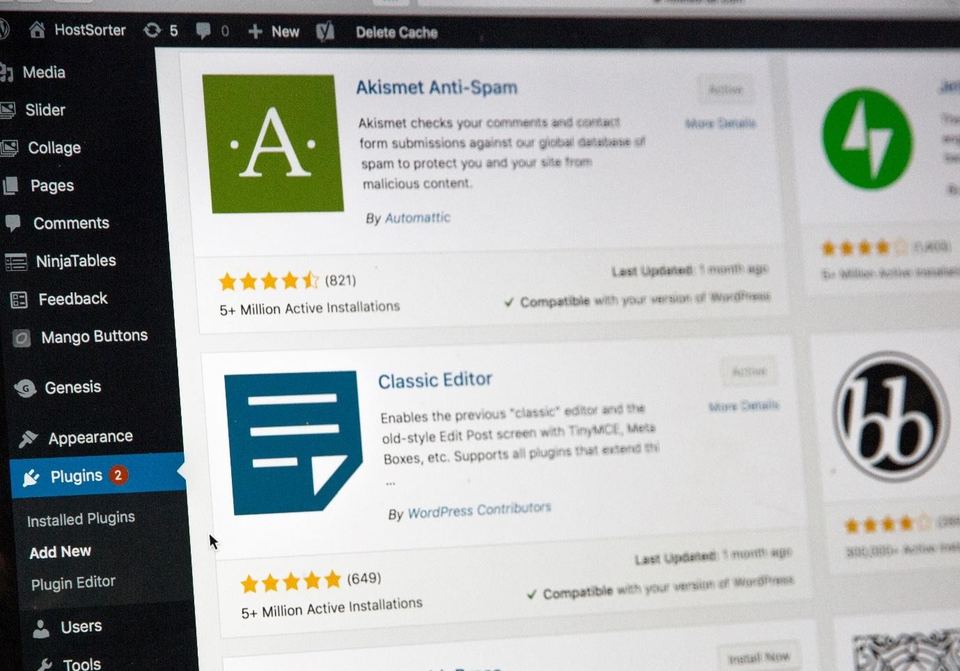
What is a page builder?
A page builder is a WordPress plugin that adds its own drag-and-drop design tool. Popular ones include Elementor, Divi and Beaver Builder. They became popular because the old WordPress editor was a plain text box with few layout options. A builder let owners and designers create columns, sliders and styled sections without writing code. Each builder stores the page layout in its own format, which matters later if you ever switch.
What is the block editor?
The block editor is WordPress’s built-in editor. Every piece of a page, such as a heading, image, button or column, is a block you can move and style. With full-site editing, blocks now also build headers, footers and templates. It ships with WordPress, so there’s nothing extra to buy.
How do they compare?
| Block editor | Page builder | |
|---|---|---|
| Cost | Free, built in | Often a yearly licence for pro features |
| Page speed | Lean output | Usually heavier code |
| Lock-in | Low; content stays readable | High; content is tied to the plugin |
| Design freedom | Good, and growing | Very high |
| Learning curve | Moderate | Moderate |
| Updates | Part of WordPress | Another plugin to keep current |
What is page builder lock-in?
Lock-in means your content only displays correctly while the builder is active. If you switch builders or remove the plugin, pages can turn into a mess of shortcodes, the bracketed tags the builder used to store layout. That makes a future redesign slower and more expensive, because each page must be rebuilt by hand. Block editor content is stored as plain HTML with small comments, so it stays readable without any plugin.
Do I need a WordPress page builder?
Usually not. WordPress no longer needs a page builder to lay out a good-looking page. For most small business sites, we recommend the block editor with a well-built theme. It keeps pages fast, avoids another licence, and makes the site easier to hand to another developer later.
A page builder can still make sense if your team already knows one well and redesigns pages often. Just budget for its licence and its weight.
What do we use?
We build new sites on the block editor with a lean theme. That keeps pages fast and leaves no builder licence to renew. When we move sites to WordPress or take over existing ones, we work with whatever builder is already there. We only suggest a change when it would clearly save you money or make the site faster. Many of the sites we host still run a page builder, and they run fine when kept up to date.
Common questions
Do I need a page builder for WordPress?
No. WordPress has its own block editor, which builds pages, headers and footers without an extra plugin, so a page builder is optional. Most small business sites don’t need one. A builder such as Elementor or Divi is worth its yearly licence only if your team already knows it well, or you want design effects the block editor can’t do yet.
What is Gutenberg?
Gutenberg is the project name for the WordPress block editor. It has been the default editor since WordPress 5.0, released in December 2018. It now also powers full-site editing, so the same blocks build headers, footers and page templates. If your WordPress dashboard shows content as movable blocks, you are already using Gutenberg.
Should I remove my page builder?
Not in a hurry. If your site works, loads quickly and your team is happy editing it, keep the builder. Removing it means rebuilding every page it touched, which costs real time. The best moment to move to the block editor is your next redesign, when you would be rebuilding the pages anyway. Until then, keep the builder and its licence up to date.